

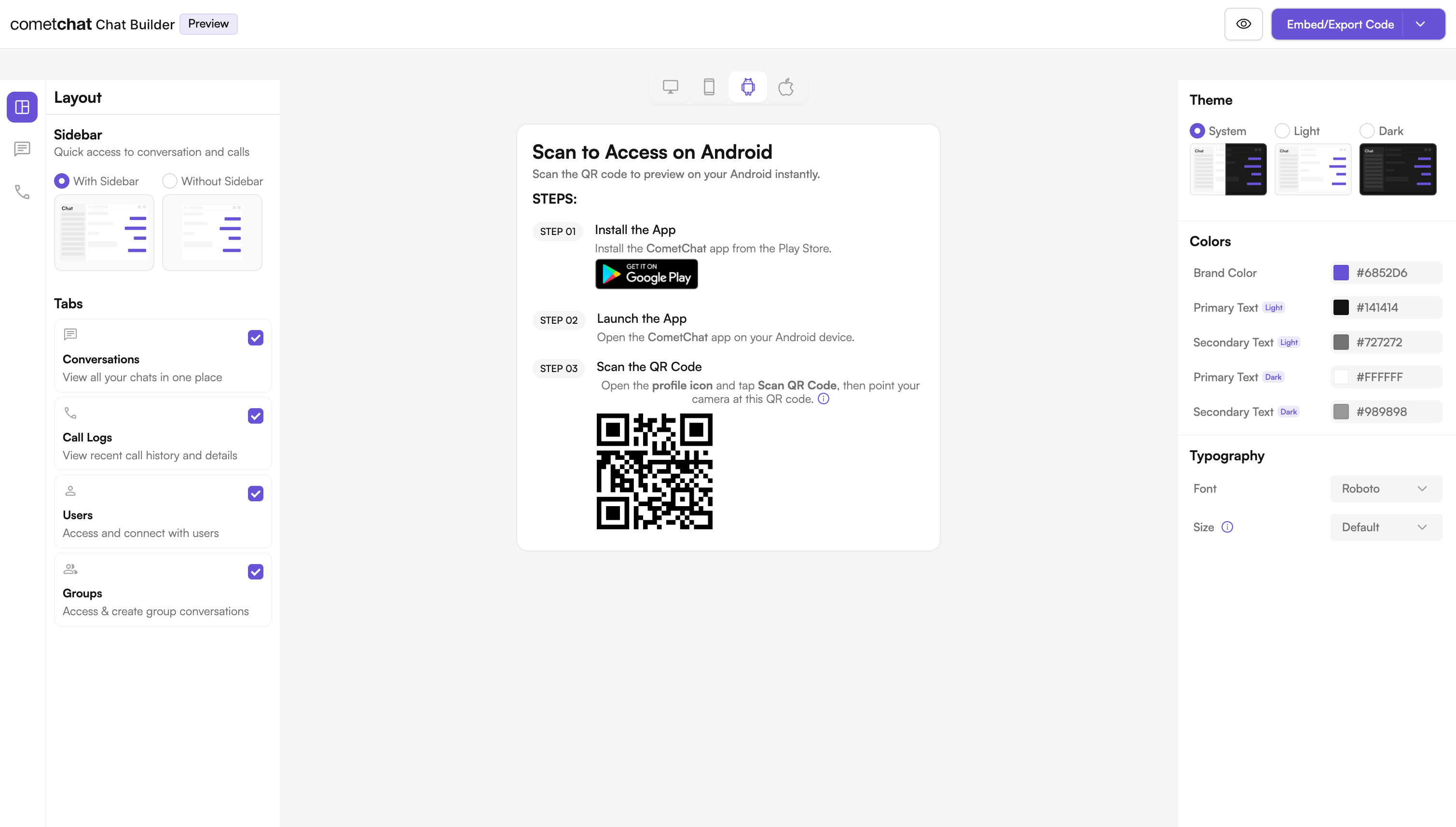
What is UI Kit Builder?
UI Kit Builder is CometChat’s configuration system that allows you to customize chat features, UI components, and styling through a simple JSON configuration file. The builder plugin automatically generates Kotlin constants and applies styling based on your configuration. When you design your experience in the Builder and export the code, you receive acometchat-builder-settings.json file plus a sample Android module. During a Gradle build, the com.cometchat.builder.settings plugin reads that JSON and generates CometChatBuilderSettings.kt — an object of type-safe Kotlin constants. A helper class, BuilderSettingsHelper.kt, then reads those constants and applies them to the standard CometChat Android UI Kit components (CometChatMessageHeader, CometChatMessageList, CometChatMessageComposer, and others).
The Builder is a configuration layer on top of the regular Android UI Kit — it does not replace it. Anything you can do with the UI Kit directly (custom message templates, view slots, themes) is still available after you integrate the Builder. See Where the Builder fits below.
Benefits of Using UI Kit Builder
Available Builder Settings Categories
The Builder configuration supports the following categories:Where the Builder Fits
The Builder gives you fast, JSON-driven control over which features are on and broad styling. For anything more granular, you drop down to the same customization layers the standalone UI Kit exposes. These layers stack — the Builder configures the components, and you can still customize those components further.Try Live Demo
Experience the CometChat UI Kit Builder in action:Launch Live Demo
Next Steps
Integration Guide
Step-by-step instructions to integrate the UI Kit Builder into your Android project.
Builder Settings
Complete reference of all configuration options available in CometChatBuilderSettings.
Customizations
Learn how to customize components using BuilderSettingsHelper.
Directory Structure
Understand the organization of the exported Builder code.
Helpful Resources
Android Builder App
Experience the power of CometChat UI Kit with this interactive app
UI Kit Source Code
Access the complete Android UI Kit source code
Figma Design File
UI design resources for customization and prototyping
Create Support Ticket
Get assistance from our support team with any questions or issues